

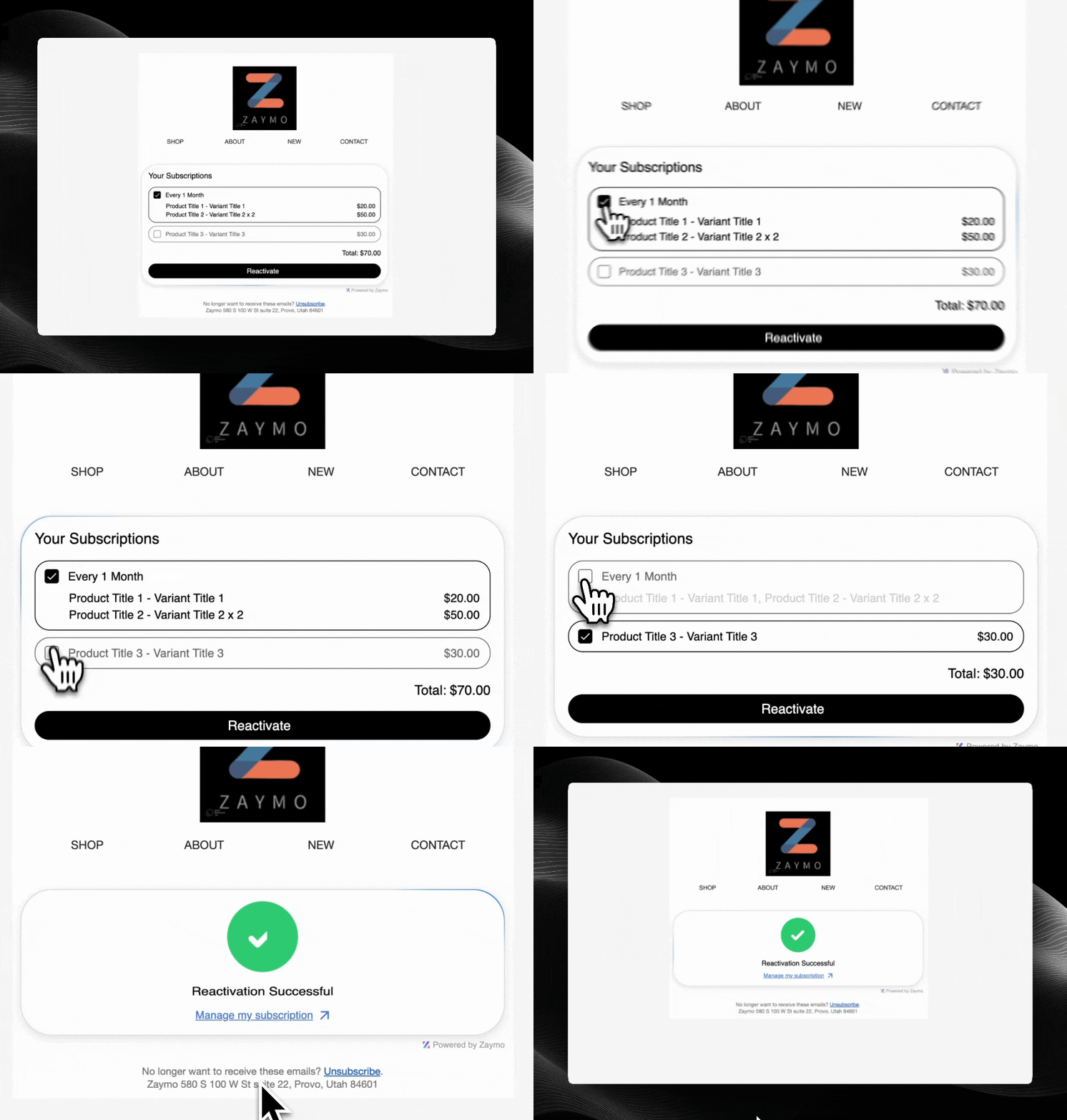
Example of subscription reactivation in email
How It Works
- Former subscriber receives an email with reactivation offer
- Customer views their cancelled subscription details
- Customer clicks to reactivate their subscription, potentially with a special offer
- Subscription is reactivated without leaving the email
Required Endpoints
Getting Started
Ready to implement the Reactivate widget? This is perfect for win-back campaigns to re-engage former subscribers.API Reference
Explore our API documentation
Authentication
Learn how to authenticate your API requests